
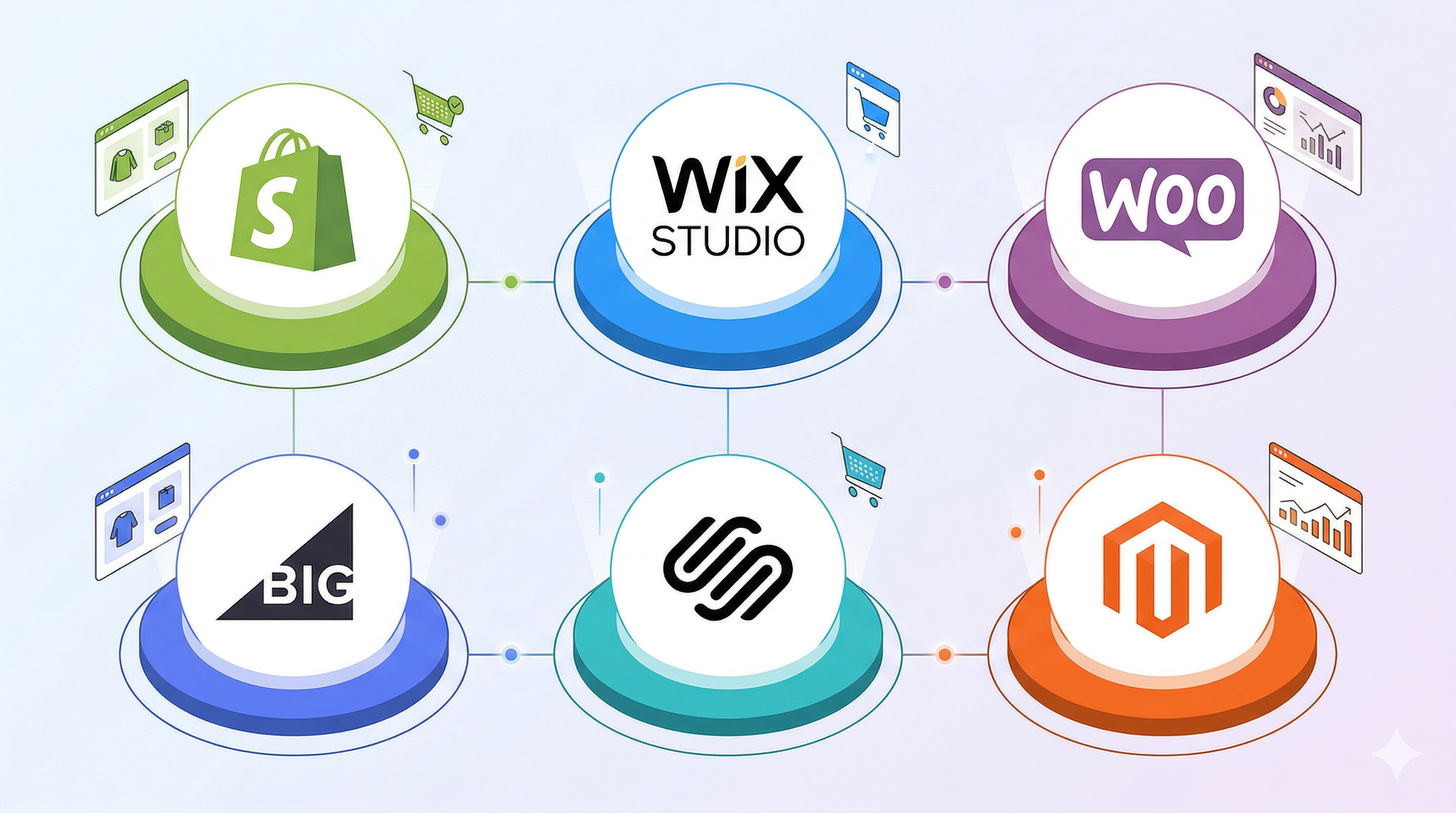

Six platforms. Dozens of pricing plans. Thousands of apps. And a decision that’s very hard to undo once you’ve built your store, migrated your customers, and spent two years earning your SEO rankings.
Choosing an e-commerce platform is one of the most consequential decisions a fashion brand makes. This guide cuts through the noise and tells you what actually matters — for fashion specifically.
What Makes Platform Selection Different for Fashion
Fashion isn’t a standard e-commerce vertical. The requirements are more demanding than most categories.
You’re managing matrix inventory — every item comes in multiple sizes, colours, and sometimes lengths. You’re selling something intangible: the feeling of how a garment fits. Your product photography needs to be exceptional, and increasingly, customers expect 3D visualisation and virtual try-on before they commit to a purchase.
Beyond that, fashion brands tend to have complex logistics. You’re dealing with seasonal collections, pre-orders, limited drops, and return rates that can exceed 30% if your product pages don’t give customers enough information to buy with confidence.
The platform you choose needs to handle all of this — without requiring a development team every time you want to make a change.
The Six Platforms Worth Considering
1. Shopify
Shopify is the default choice for fashion brands and has been for a decade. In 2026, it’s still the strongest option for most.
The app ecosystem is unmatched — there are dedicated solutions for size recommendations, 3D product viewers, virtual fitting rooms, and personalised fit guides, all built to plug directly into your store. Checkout conversion via Shop Pay is the best in the industry, and the built-in analytics give you a clear view of what’s working.
| Pros | Cons |
|---|---|
| Largest app ecosystem in e-commerce | App costs compound fast ($300–500/month is common) |
| Best checkout conversion via Shop Pay | Transaction fees if you don’t use Shopify Payments |
| Built-in analytics and inventory management | Less design flexibility on lower plans |
| Easiest to find developers and agencies for | Vendor lock-in — migrating out is painful |
Best for: Brands that want to move fast, access the widest range of integrations, and scale without rebuilding their stack.
2. Wix Studio
Wix has reinvented itself. What used to be a simple drag-and-drop website builder is now a capable commerce platform with real inventory management, discount logic, and abandoned cart recovery.
The design flexibility is genuinely best-in-class. If your brand has a strong visual identity and you don’t want to be constrained by templates, Wix Studio gives you more creative control than Shopify without requiring code.
| Pros | Cons |
|---|---|
| Best design flexibility without writing code | Limited app ecosystem vs Shopify |
| Booking system built in (great for bespoke) | Advanced fashion integrations (3D, fit) are scarce |
| Improved SEO infrastructure | Not built to scale to large catalogues |
| Lower entry price point | Less developer support available |
Best for: Small collections, creative brands with strong visual direction, and founders who want to build something distinctive without a developer.
3. WooCommerce
WooCommerce is open-source, which means you own everything. No monthly platform fee. No transaction fees. No restrictions on what you can build. You pay for hosting, and from there, every customisation is possible.
The trade-off is maintenance. You’re responsible for security patches, plugin updates, and server performance. One incompatible plugin update can bring your store down.
| Pros | Cons |
|---|---|
| No monthly platform fee | You manage hosting, security, and updates |
| Full ownership of your data | One bad plugin can take your store offline |
| Unlimited customisation potential | No official support — you’re on your own |
| Largest plugin library in the world | Developer time adds up fast |
If you have a developer or a technical co-founder, WooCommerce gives you the most flexibility at the lowest long-term cost. If you don’t, the hidden costs of maintenance often exceed what you’d pay for a managed platform.
Best for: Technically resourced teams that want full data ownership and maximum flexibility.
4. BigCommerce
BigCommerce sits between Shopify and WooCommerce. It’s a managed SaaS platform like Shopify but ships with more features out of the box — multi-storefront management, native B2B and wholesale tools, and no transaction fees on any plan.
It’s particularly well-suited to brands that sell across multiple channels (retail, wholesale, international) and need a single backend to manage all of it.
| Pros | Cons |
|---|---|
| No transaction fees on any plan | Steeper learning curve than Shopify |
| Native B2B and wholesale tools | Annual revenue caps on lower plans |
| Multi-storefront management built in | Smaller app ecosystem |
| Strong international selling features | Fewer fashion-specific integrations |
Best for: Brands with complex channel structures or a wholesale component who’ve outgrown simpler platforms.
5. Squarespace
Squarespace offers the most visually refined templates on the market. For a capsule collection brand or an artisanal label where aesthetics are everything, it’s a fast and beautiful way to launch.
Commerce features have improved significantly — you get inventory management, discount codes, email marketing, and appointment booking baked in. But the ceiling is lower than other platforms.
| Pros | Cons |
|---|---|
| Best-in-class templates and typography | Large catalogues become hard to manage |
| Email marketing built in | 3% transaction fee on the base plan |
| Very fast to set up | Fashion-specific integrations are minimal |
| Appointment booking included | Checkout conversion lags behind Shopify |
Best for: Founders launching a small, highly curated collection who prioritise design and speed to market over long-term scalability.
6. Adobe Commerce (Magento)
Adobe Commerce is enterprise software. It integrates deeply with the Adobe Creative Cloud, supports multi-brand and multi-region setups, and can be customised without limits. It’s also expensive and requires a dedicated engineering team to run and maintain.
| Pros | Cons |
|---|---|
| Unlimited customisation potential | Implementation typically costs six figures |
| Deep Adobe Creative Cloud integration | Requires a dedicated engineering team |
| Multi-brand and multi-region support | Not viable below enterprise scale |
| High-performance architecture | Longest time to launch of any platform |
Best for: Established luxury brands or large retailers with complex requirements and the budget to match.
Platform Comparison at a Glance
| Platform | Monthly Cost | Transaction Fees | Fashion App Ecosystem | Best Scaling Stage |
|---|---|---|---|---|
| Shopify | From $39 | 0% with Shop Pay | Excellent | Startup → Enterprise |
| Wix Studio | From $19 | Standard rates | Limited | Micro → Mid |
| WooCommerce | $0 + hosting | 0% | Good | Any (with tech team) |
| BigCommerce | From $39 | 0% | Good | Mid → Enterprise |
| Squarespace | From $23 | 3% on base plan | Minimal | Micro |
| Adobe Commerce | Custom | Custom | Enterprise | Enterprise |
What to Check Before You Commit
Pricing is the easy part. Before you sign up, verify these things on any platform you’re considering:
- Variant handling. Can it manage size × colour × length combinations across hundreds of SKUs without performance issues?
- Media support. Does it support video, 3D models, and high-resolution imagery natively, or do you need a third-party CDN?
- Returns workflow. Fashion return rates are high. Does the platform have a native returns portal, or will you need an app?
- International selling. Multi-currency, localised checkout, and VAT handling matter if you plan to sell outside your home market.
- App lock-in. If you rely on a critical third-party app, check what happens to your store if that app shuts down or raises prices.
How to Launch Without Regrets
The most common mistake fashion founders make is choosing a platform based on the lowest monthly fee, then rebuilding everything 18 months later when they outgrow it.
Platform migrations are expensive. Your URLs change, your SEO history gets disrupted, your customer accounts may not transfer, and every integration needs to be rebuilt from scratch.
Start with the platform you expect to be on in three years, not the cheapest option available today.
- Audit your catalogue before you sign up. If you have 3D assets or plan to shoot video, prioritise platforms that support rich media natively.
- Check your logistics setup. Whether you’re shipping in-house or using a 3PL, confirm your carrier integrations work before you commit.
- Set up tracking early. Get your Meta, TikTok, and Google pixels installed before launch — the data you collect in your first weeks is valuable.
- Plan for traffic spikes. Fashion drops create sudden demand. Confirm your platform scales automatically under load.
- Think about retention from day one. Acquiring a new customer costs 5× more than retaining one. Choose a platform with strong email and loyalty integrations built in.
The Fit Problem Every Fashion Brand Still Has to Solve
Whichever platform you choose, you’ll still face the same challenge: customers can’t try your clothes on before they buy.
The result is a return rate that averages 30–40% in online fashion — mostly driven by size uncertainty. That’s not just a fulfilment cost; it’s a signal that your product pages aren’t giving customers enough confidence to commit.
Vitryne adds 3D garment visualisation to your Shopify store. Customers see exactly how a piece fits and drapes before they buy — reducing returns and increasing conversion at the same time.